The 32GB VRAM milestone: why the RTX 5090 defines the 2026 build standard
The end of the “enthusiast” vs. “pro” divide
For a decade, building a PC meant making a choice. You either built a “Performance Rig” or you built a “Workstation.”
In 2026, that line hasn’t just blurred—it has officially dissolved.
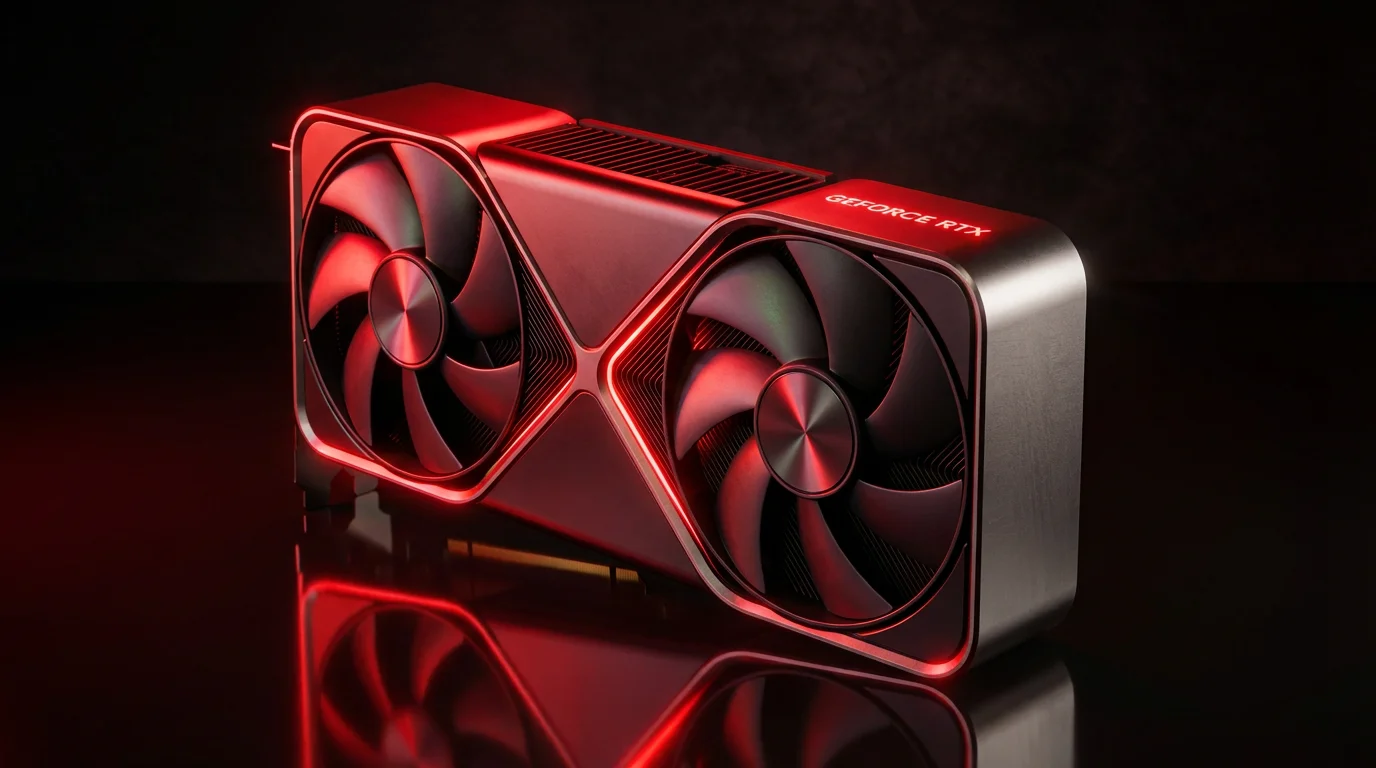
With the release of the NVIDIA GeForce RTX 5090, consumer-grade hardware now rivals enterprise-level servers. But this isn’t just about higher frame rates or prettier shadows. We are seeing a fundamental shift in how we use our desks. Whether you’re rendering a digital twin for a client or running a private, local intelligence agent to manage your data, the 5090 is no longer a luxury.
It is the new functional baseline for the modern high-performance setup.
1. The architectural shift: Blackwell and GDDR7
The heart of the 2026 build is the Blackwell architecture.
Unlike previous generations that focused primarily on “rasterization” (the old way of drawing pixels), Blackwell is built for parallel throughput. It’s designed to move massive amounts of data at speeds that were previously impossible for a home PC.
GDDR7 Memory: The shift to GDDR7 provides a massive jump in memory bandwidth (up to 1.8 TB/s). In a high-end setup, this means your GPU can “talk” to its memory almost instantaneously. No more waiting for textures to load; everything is just there.
The 512-bit Memory Bus: Think of this as a 16-lane highway for your data. Most mid-range cards struggle with “bottlenecks” where data gets stuck in traffic. The 5090’s bus allows massive datasets—like 8K textures or complex AI weight matrices—to flow without friction.
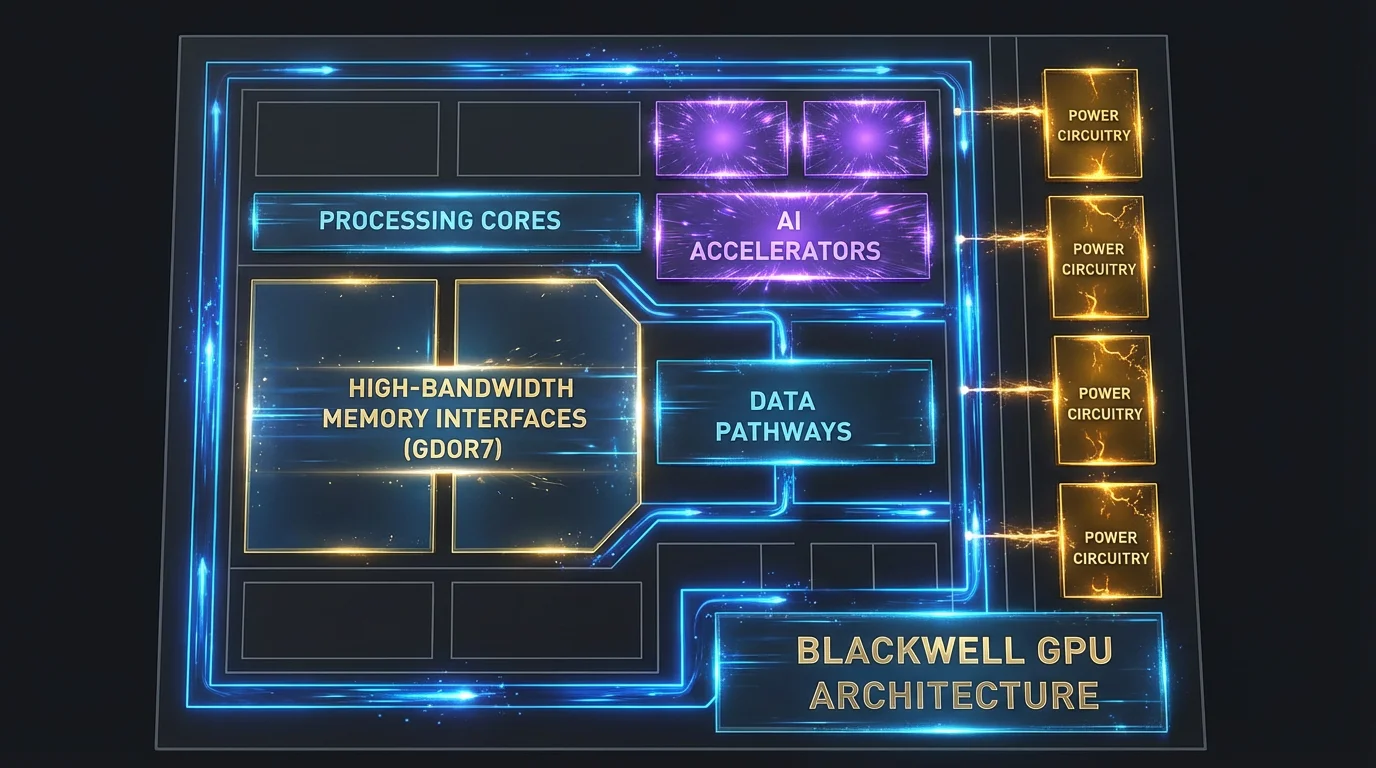
In 2026, we measure success not just in raw FPS, but in Frame Generation Latency. The hardware-level AI accelerators handle the heavy lifting, letting the core silicon focus on the artistry of geometry and lighting.
2. Why 32GB VRAM is the “magic number”
I get asked this lot: “Is 32GB actually necessary, or is it just marketing?”
In 2026, Memory Capacity is officially the most important spec in your build. Here is why:
For visual fidelity
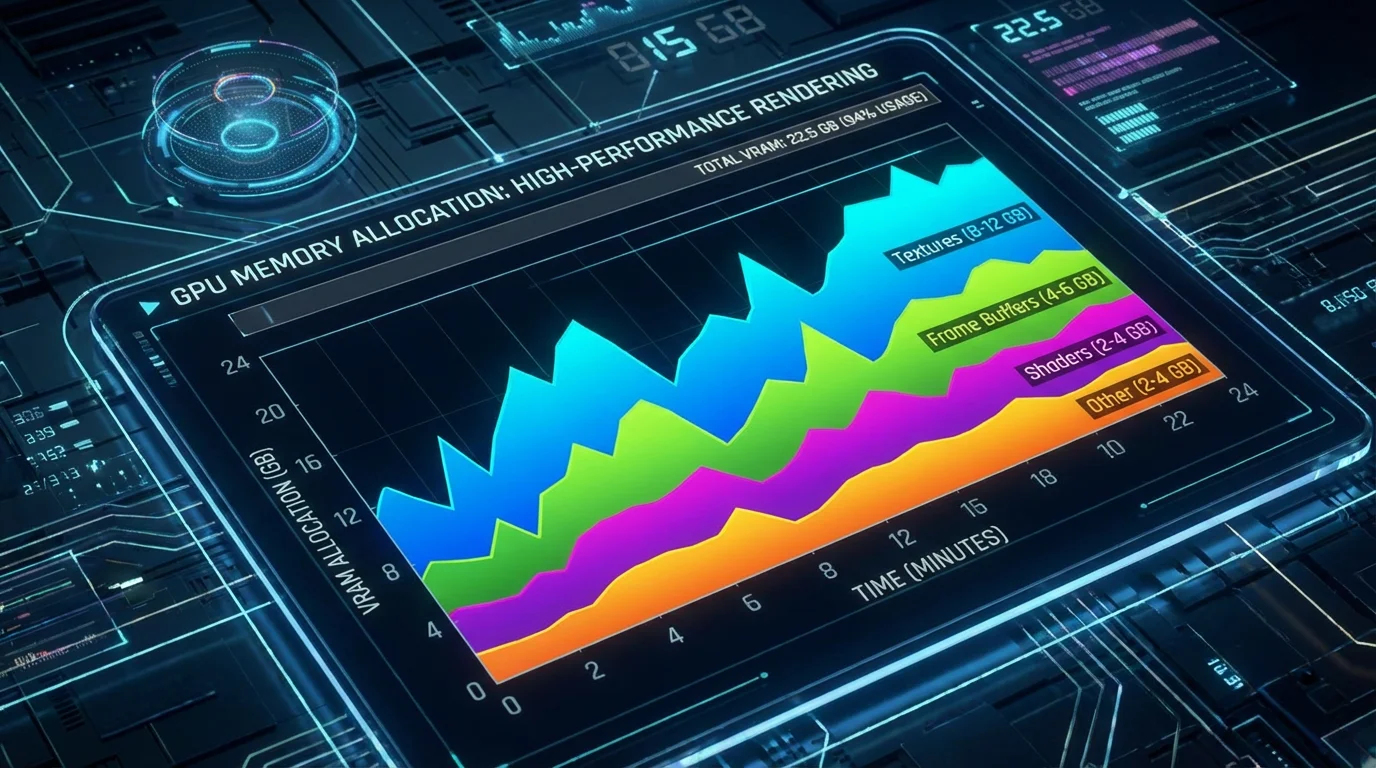
Modern software now utilizes “Path Tracing” and AI-generated assets that can easily consume 20-24GB of VRAM at 4K. Having 32GB provides a “safety buffer.” Without it, your system has to “swap” data to the much slower system RAM, which leads to those annoying micro-stuttering and crashes that ruin your immersion or break your render.
For local AI inference (the real reason)
This is the “secret” reason this build matters. A 70B parameter Large Language Model (LLM)—the kind you’d use for high-level coding or complex data analysis—requires roughly 28-32GB of VRAM to run at full speed locally.
By having 32GB, you can keep your data private, offline, and secure, while still having GPT-4 level intelligence sitting right on your desk. You aren’t just buying a GPU; you’re buying a private brain.
3. Engineering for power: the ATX 3.1 & 12V-2×6 standard
Building around a 600W component requires a total rethink of your power delivery. You cannot—and I mean cannot—simply plug this into an old power supply.
The 12V-2×6 Connector: 2026 setups utilize the refined 12V-2×6 power standard. This cable is designed to handle “transient spikes”—those split seconds where the GPU asks for 800W+ of power.
The PSU Requirement: I recommend a minimum of a 1200W Platinum-rated ATX 3.1 Power Supply. This ensures the power coming into your system is “clean.” Clean power means less heat, less electrical noise, and a longer life for your components.
Is it worth the investment?
The RTX 5090-based setup is the “Ferrari” of 2026.
It is an expensive build, but for the user who demands a Zero-Compromise Environment, it is the only choice. It transforms your desk from a place of simple consumption into a center of global-scale production.
Remember, a GPU is only as fast as the data being fed to it. To avoid “starving” your 5090, make sure to pair it with the 128GB RAM Blueprint we’ve developed for high-density 2026 workflows. Stay tuned for our next guide on how to balance your CPU to match this beast.
💡 Expert FAQ: what you need to know
Common questions answered by our experts
Is the RTX 5090 worth it if I only work at 1440p resolution?
Honestly? Probably not. The 5090 is designed for the extreme bandwidth of 4K/8K displays and heavy AI workloads. If you’re staying at 1440p, you’re better off looking at the RTX 5080, which we cover in our “Sweet Spot” guide. The 5090’s capabilities would be significantly underutilized at 1440p, and you’d be paying a premium for performance you won’t fully leverage.
Can I use my old ATX 2.0 power supply with an adapter?
I strongly advise against it. While adapters exist, they don’t handle the communication signals required by the ATX 3.1 standard to manage power spikes safely. For a $2,000+ GPU, a $200 PSU upgrade is the best insurance policy you can buy. The ATX 3.1 standard includes critical safety features and power delivery protocols that older PSUs simply cannot replicate through adapters.
Does 32GB of VRAM help with video editing?
Yes, significantly. If you’re working with 8K RAW footage or heavy color grading in DaVinci Resolve, that VRAM allows you to playback high-resolution timelines without proxy files, saving you hours of rendering time every week. The additional VRAM also enables real-time effects processing and eliminates the stuttering that occurs when the GPU runs out of memory during complex edits.
What CPU should I pair with the RTX 5090?
To avoid bottlenecking the RTX 5090, you’ll need a high-end CPU with at least 16 cores and strong single-thread performance. We recommend the Intel Core i9-14900K or AMD Ryzen 9 7950X3D as minimum options. For AI workloads, prioritize core count; for high-performance computing, prioritize cache and clock speeds. Check out our upcoming CPU pairing guide for detailed benchmarks and recommendations.
How much system RAM do I need alongside 32GB VRAM?
For a balanced 2026 build, we recommend a minimum of 64GB DDR5-6000 system RAM, with 128GB being ideal for AI development and professional workloads. The system RAM handles preprocessing, operating system tasks, and data staging before it reaches the GPU. Skimping on system RAM while investing in a high-end GPU is a common mistake that can severely impact overall performance.