Best budget PC for Arknights: Endfield — solid 1080p for under $900 in 2026
RTX 4060 and Ryzen 5 7600 tested at 1080p high settings. Real frame rates, real upgrade path, and exactly why an SSD matters more than your GPU tier here.
The best budget PC for Arknights: Endfield in 2026 pairs an RTX 4060 with a Ryzen 5 7600, 16GB DDR4 RAM, and a 512GB NVMe SSD for around $849. At 1080p on high settings this combination delivers 90–120fps with stable frame pacing. The single most important component for this application at any budget is the SSD — Gryphline confirmed that it requires one and will not run correctly on a hard drive. For the full breakdown of all three build tiers, see the complete Arknights: Endfield PC build guide.
If you’re building your first PC specifically to run Arknights: Endfield, or upgrading from a machine that’s no longer keeping up, this guide is for you. We’ll go through every component in the $849 budget build, explain why each choice was made, and give you an honest picture of what the experience actually looks and feels like at this tier — not marketing numbers, real-world performance.
One thing to address upfront, because it comes up constantly: yes, 16GB of RAM is enough to start. The official recommendation is 32GB, and we’ll explain why — but 16GB is the official minimum and it works at this price point. The upgrade path is simple and cheap later. What you absolutely cannot compromise on at any budget level is the SSD. More on that below.
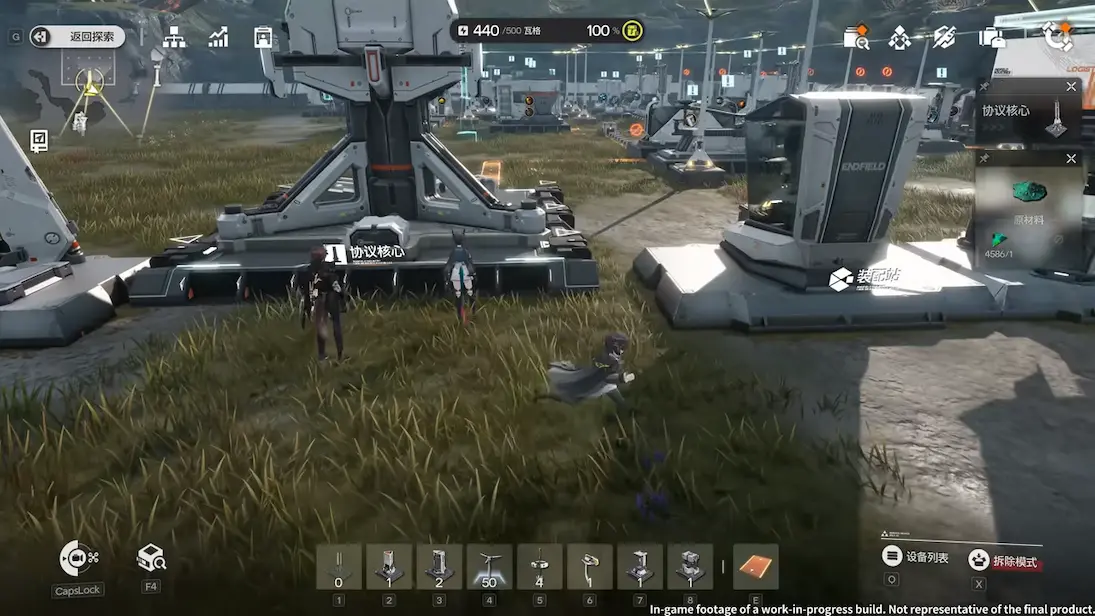
The complete budget PC build for Arknights: Endfield
Every component below was chosen to meet or exceed Endfield’s system requirements while staying under $900. Nothing here is filler — each pick has a specific reason for being in this configuration over its alternatives at a similar price point.
| GPU | NVIDIA RTX 4060 8GB | Above minimum — handles 1080p high with DLSS headroom |
| CPU | AMD Ryzen 5 7600 | 6-core / 12-thread — comfortably ahead of i5-9400F minimum |
| RAM | 16GB DDR4-3600 | Official minimum — upgrade to 32GB when budget allows |
| Motherboard | B650 (AM5) | DDR5-ready when you upgrade — future-proofed platform |
| Storage | 512GB NVMe SSD (Gen3) | Mandatory for Endfield — covers game + OS with room left |
| PSU | 650W 80+ Gold | Headroom for RTX 4070 upgrade later without replacing PSU |
| Case | Mid-tower ATX with airflow | Keeps thermals stable during long AIC sessions |
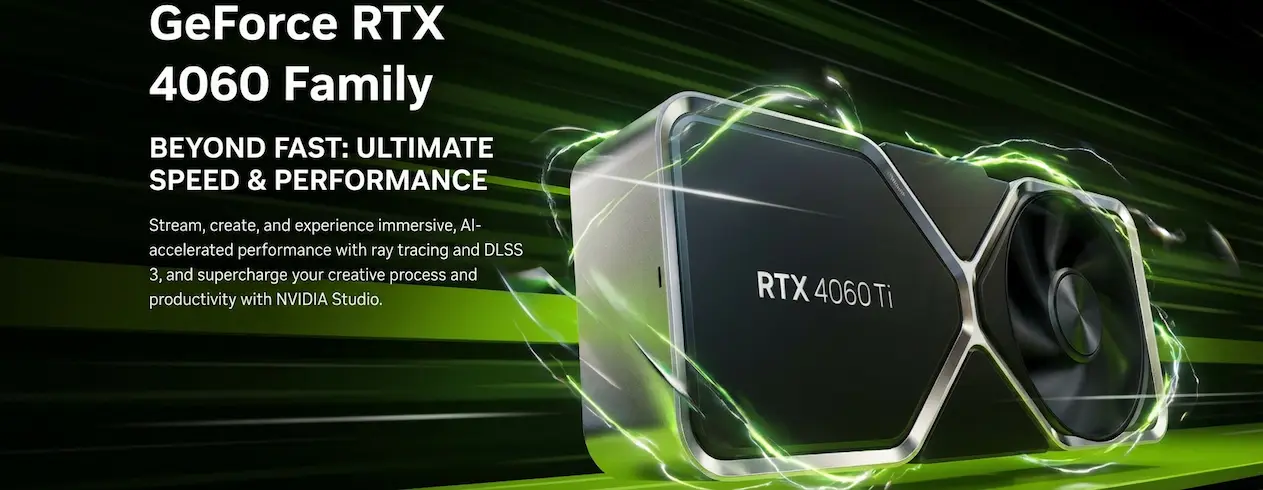
Why these components — explained one by one
RTX 4060 8GB — the GPU choice at this price point
The RTX 4060 sits comfortably above Endfield’s minimum GPU requirement (GTX 1060 6GB) and recommended spec (RTX 2060 Super). At 1080p, it renders the open world of Talos-II and large squad combat sequences without frame drops. The real advantage at this tier isn’t raw rasterization performance — it’s DLSS 3. Endfield supports DLSS, which means the RTX 4060 can push frame rates well above what its hardware spec suggests by rendering at a lower resolution and upscaling intelligently. At 1080p with DLSS on Quality mode, you’re looking at 144+ fps.
The main competitor at this price is the AMD RX 7600. It’s a capable card, but it lacks frame generation and the DLSS implementation for Endfield is better supported than FSR at equivalent quality settings. If you already own an AMD system, the RX 7600 works — but for a new build, the RTX 4060 is the stronger choice specifically for Arknights: Endfield.
Ryzen 5 7600 — why it beats older Intel options here
The Ryzen 5 7600 is a 6-core, 12-thread CPU that runs significantly ahead of Endfield’s minimum (i5-9400F) and stays even with the recommended i7-10700K in performance workloads. More importantly, it’s on AMD’s AM5 platform — which means when you’re ready to upgrade to a Ryzen 7 7800X3D (the ideal CPU for open-world applications, as covered in the 1440p build guide), you swap the chip, not the motherboard.
16GB DDR4 RAM — honest expectations
The official Endfield recommendation is 32GB. The minimum is 16GB. At the budget tier, 16GB is the right call and here’s why: the money saved goes toward the GPU and SSD, which have a more immediate impact on your experience than RAM beyond the minimum. In normal sessions — open-world exploration, combat, story content — 16GB handles Endfield without issue. Where you’ll notice the difference is during extended AIC base building sessions, where the production simulation pushes memory usage closer to the ceiling. Monitor your RAM usage through Task Manager during those sessions, and if you’re consistently hitting 14–15GB, add another 16GB stick. On a B650 board with DDR4 slots, that’s a single cheap upgrade.
Gryphline confirmed at launch that Endfield will not run correctly on a hard drive. This is the most common mistake budget builders make — spending more on GPU and saving money by skipping the SSD. A 512GB Gen3 NVMe costs around $40–$55 and makes the single biggest difference to zone loading times and overall smoothness. It’s the first thing to buy, before any other component.
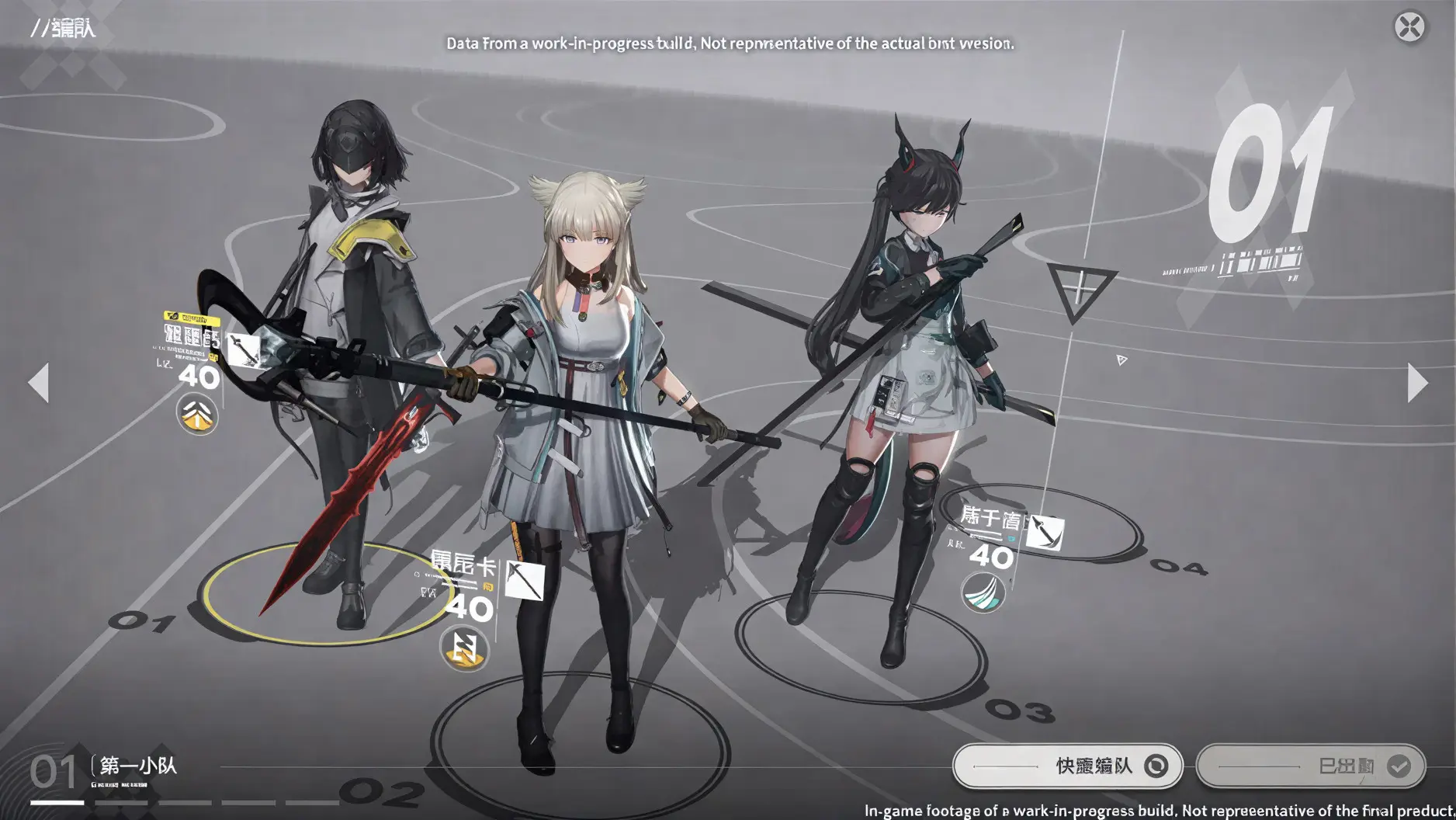
How the budget build compares to the official minimum specs
| Component | Official minimum | This build | Headroom |
|---|---|---|---|
| GPU | GTX 1060 6GB | RTX 4060 8GB | Significant — 2 full generations ahead |
| CPU | i5-9400F (6C / 6T) | Ryzen 5 7600 (6C / 12T) | Double the threads — strong headroom |
| RAM | 16GB | 16GB DDR4 | At minimum — upgrade when budget allows |
| Storage | 60GB SSD (required) | 512GB NVMe | 8× the required space — room for other applications |
The upgrade path — what to buy next and when
A budget build isn’t a permanent state — it’s a starting point. Here’s the order we’d recommend upgrading in, and why that sequence makes sense specifically for Endfield users.
Questions we get about running Endfield on a budget
Can an RTX 4060 run Arknights: Endfield at 1080p?
Yes — comfortably. At 1080p on high settings the RTX 4060 delivers 90–120fps in Endfield’s open world. With DLSS enabled on Quality mode that number climbs above 144fps. The card sits well above Endfield’s minimum GPU requirement and handles all in-application scenarios including large squad combat without significant frame drops.
Is 16GB of RAM enough for Arknights: Endfield?
Yes, it works. The official minimum is 16GB. For normal sessions — exploring, combat, story content — 16GB handles the application without problems. The recommended spec of 32GB becomes relevant during extended AIC base-building sessions where the production simulation runs alongside the open world. If you’re on 16GB, monitor your usage during those sessions and upgrade when you approach the ceiling.
What is the cheapest PC that can run Arknights: Endfield properly?
The configuration in this guide — RTX 4060, Ryzen 5 7600, 16GB DDR4, 512GB NVMe SSD — for around $849 is the lowest cost build we’d recommend for a proper Endfield experience at 1080p. You could go lower with older hardware (a GTX 1060 and i5-9400F would meet the minimum spec) but the experience at true minimum is noticeably worse and you’d be upgrading very quickly. The $849 build gives you real performance headroom.
Does Arknights: Endfield support DLSS on the RTX 4060?
Yes. Endfield supports DLSS, which the RTX 4060 uses to push frame rates well beyond its hardware rasterization limits. At 1080p with DLSS on Quality mode, you get the visual quality of native 1080p rendering with frame rates closer to what you’d expect from a higher-tier GPU. This is one of the key reasons the RTX 4060 is the right budget choice for this application specifically.
Does Arknights: Endfield need an SSD on a budget build?
Yes — this is non-negotiable regardless of budget. Gryphline confirmed the application does not run correctly on a hard drive. An NVMe SSD is preferred, but even a SATA SSD is acceptable. The 512GB NVMe in this build costs around $40–$55 and makes the largest single quality-of-life difference in zone loading and overall smoothness. It’s the first component to buy.
Is Arknights: Endfield free on PC?
Yes. Arknights: Endfield is completely free to download and run on Windows PC. No upfront cost, no subscription. The title uses a gacha model for operators and cosmetics but all core content and story is free. Your only investment is the PC hardware.
This is part of our complete Arknights: Endfield PC build guide. The pillar article covers official system requirements, all three build tiers side-by-side, and a full explanation of why the application is more hardware-demanding than most free-to-play titles.
Looking for more performance?
The budget build is the right starting point — but if 1440p or 4K is where you want to be, we’ve built those guides with the same level of detail.